

If you are running Shopify Plus and your store still feels slow, rigid, or expensive to maintain, you are not alone. Many agency-built Shopify Plus stores end up trapped in outdated theme code, heavy app stacks, and patchwork customizations that make every change harder than it should be. Shopify Plus is powerful, but the build quality determines whether you scale smoothly or fight your site every week.
For growing teams in West Palm Beach, Palm Beach County, and across South Florida, ecommerce performance is not just a technical detail. It impacts conversion rate, ad efficiency, SEO visibility, and your ability to launch new campaigns fast.
Why Shopify Plus Agency Built Store Problems Happen
Shopify Plus includes enterprise-grade capabilities like extensible checkout experiences and modern theme architecture. Yet many merchants do not feel those benefits because their store is built on a foundation that is hard to update. Instead of using platform-native tools, the store relies on a fragile mix of theme edits, scripts, and apps that become harder to maintain over time.
In other words, Shopify Plus is not the bottleneck. The architecture is.
Many Shopify Plus agency built store problems stem from short-term decisions made during launch. Agencies often prioritize speed and design over long-term scalability, leaving brands with technical debt that compounds over time.
Outdated Themes Behind Shopify Plus Agency Built Store Problems
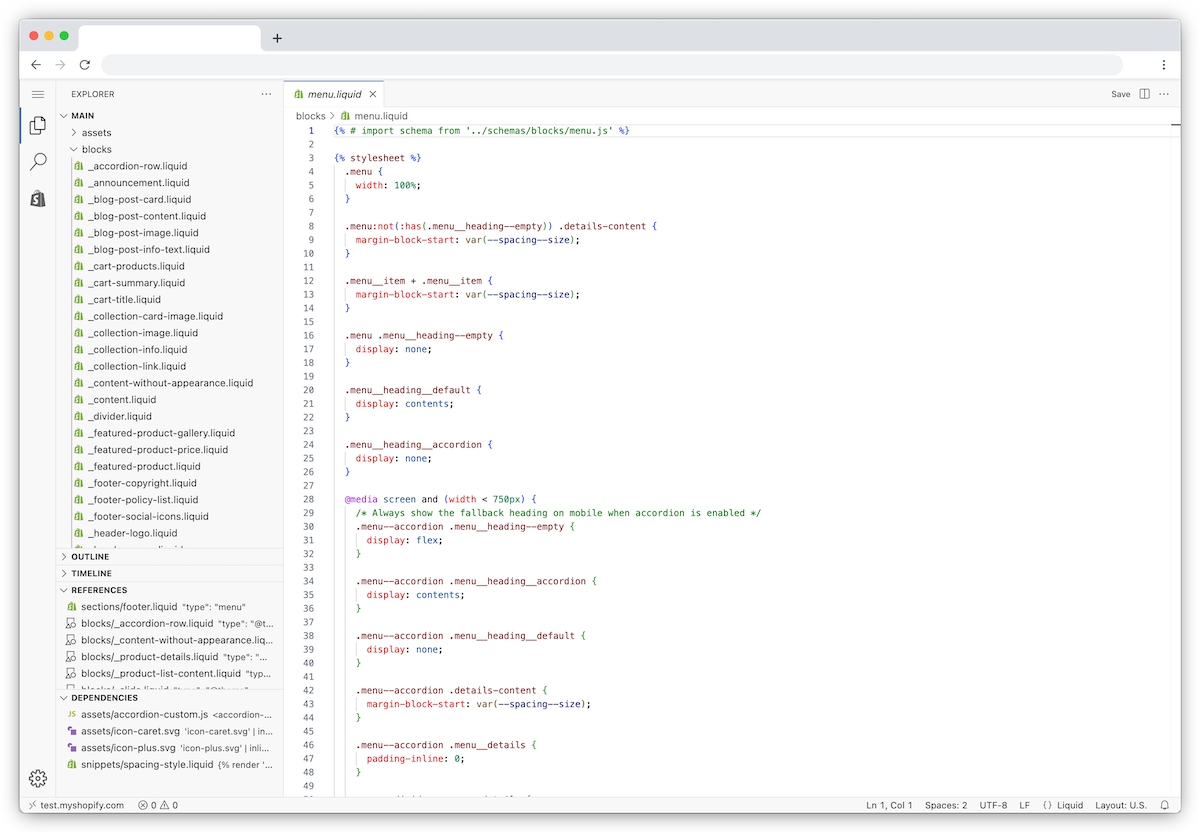
One of the most common issues with agency-built stores is an older theme that has been heavily modified. It might look fine, but behind the scenes it creates a long list of constraints:
- Theme updates are risky because custom code can break.
- Page speed declines as scripts and legacy assets accumulate.
- Simple layout changes require developer time instead of editor-friendly sections.
- Marketing tests slow down because changes are expensive and fragile.
Shopify introduced Online Store 2.0 to improve flexibility with sections on every page and better extensibility for apps and content blocks. If your store has not been modernized, you may be missing the performance and workflow improvements that newer theme architecture enables.
App bloat: when “just add an app” becomes a tax
Apps are a core strength of Shopify, but too many apps often create the opposite of what you want: slower load times, conflicting scripts, inconsistent tracking, and rising monthly costs. This is sometimes called “app bloat” or “app debt” because each app adds weight and complexity that compounds over time.
The problem is not one app. It is the stack. When a store relies on dozens of apps to handle core business requirements, you typically end up with:
- Multiple apps doing overlapping work
- Extra JavaScript loading on every page
- Checkout conflicts and inconsistent customer experiences
- Hidden performance issues that hurt conversion rates
- More vendors to manage, more billing, more renewal risk
However, removing apps alone will not fix deeper architectural issues. Instead, you must evaluate how the theme, scripts, and integrations interact. As a result, you create a cleaner foundation for long-term growth.
Shopify Plus merchants also have options to implement checkout customization using upgrade-safe approaches like checkout extensibility. :contentReference[oaicite:2]{index=2} When the store is architected well, you can often reduce app reliance, simplify operations, and improve performance.
Limited customization that does not match your business
Your ecommerce store should reflect how your business actually operates: fulfillment rules, product logic, merchandising strategy, B2B needs, subscriptions, bundles, and reporting requirements. Many agency builds are optimized for launch speed, not long-term operational fit.
Over time, your team starts to feel the friction:
- Workarounds become normal operating procedure.
- New initiatives get delayed because the store cannot adapt quickly.
- Marketing and operations depend on developers for routine changes.
- Tech decisions become reactive instead of strategic.
The result is growth friction. You are not just maintaining a store, you are managing a system of constraints.
What to do next: audit, modernize, and simplify
Most Shopify Plus stores do not need to be burned down and rebuilt from scratch. They need a structured plan to reduce technical debt and unlock the platform:
- Theme and performance audit: identify what is slowing the site and what is blocking updates.
- App stack review: remove redundancies and replace bandaids with a cleaner architecture.
- Modern theme approach: upgrade to an Online Store 2.0-ready structure where it makes sense.
- Native-first customization: implement the right features using stable, upgrade-safe methods.
- Roadmap and governance: align store changes with business goals, not one-off requests.
If you are a local business owner or leadership team in West Palm Beach or South Florida, this approach is especially valuable because it improves speed to market for campaigns and reduces ongoing vendor spend.
How Lucky Web Design helps Shopify Plus stores scale cleanly
At Lucky Web Design, we help Shopify Plus merchants move from patchwork builds to intentional systems. Our focus is not just design. It is performance, maintainability, and growth enablement.
What we typically fix first
- Shopify theme modernization to reduce update risk and improve editor flexibility
- Shopify Plus performance optimization to improve mobile speed and conversion
- App stack simplification to reduce monthly overhead and script conflicts
- Custom workflows aligned to operations, fulfillment, and reporting
If you want a strategic partner to guide your next steps, start here: Shopify website design and development services.
Ready to clean up the architecture and make Shopify Plus work the way it should?
Schedule a free Shopify Plus consultation and we will map out the fastest path to better performance, fewer apps, and a store your team can actually scale.
FAQ: Shopify Plus themes, apps, and customization
Is Shopify Plus slow by default?
Shopify Plus can be very fast, but performance often declines when stores accumulate outdated theme code, heavy scripts, oversized media, and too many apps.
Should I remove apps to speed up my Shopify store?
Often, yes. The best approach is to audit what each app does, remove duplicates, and replace fragile solutions with simpler, upgrade-safe implementations where possible.
Do I need a full redesign to fix an agency-built Shopify Plus store?
Not always. Many stores benefit most from a structured re-architecture: theme modernization, app reduction, and performance fixes first, then UX enhancements based on data.
What is the fastest first step?
A store audit that covers theme architecture, performance, app stack, and operational workflow constraints. From there, you can prioritize the changes that produce the biggest impact quickly.
Sources for platform concepts referenced:
Shopify Online Store 2.0 overview and Shopify checkout extensibility.